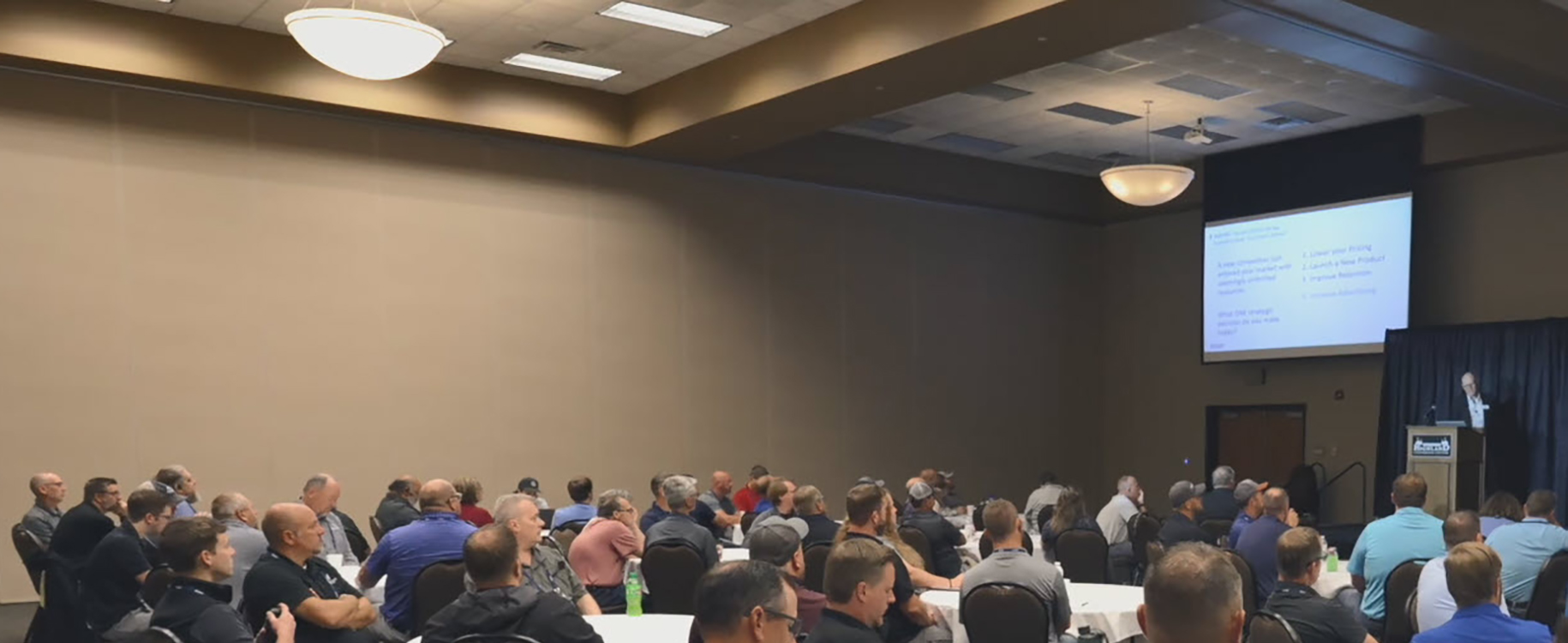
Video technicians from MG-TV operators across the U.S. gathered in Mitchell, SD, to network and learn how to maximize their video systems. One noteworthy session focused on overlooked support and customer-facing features.
Forgotten Support Features
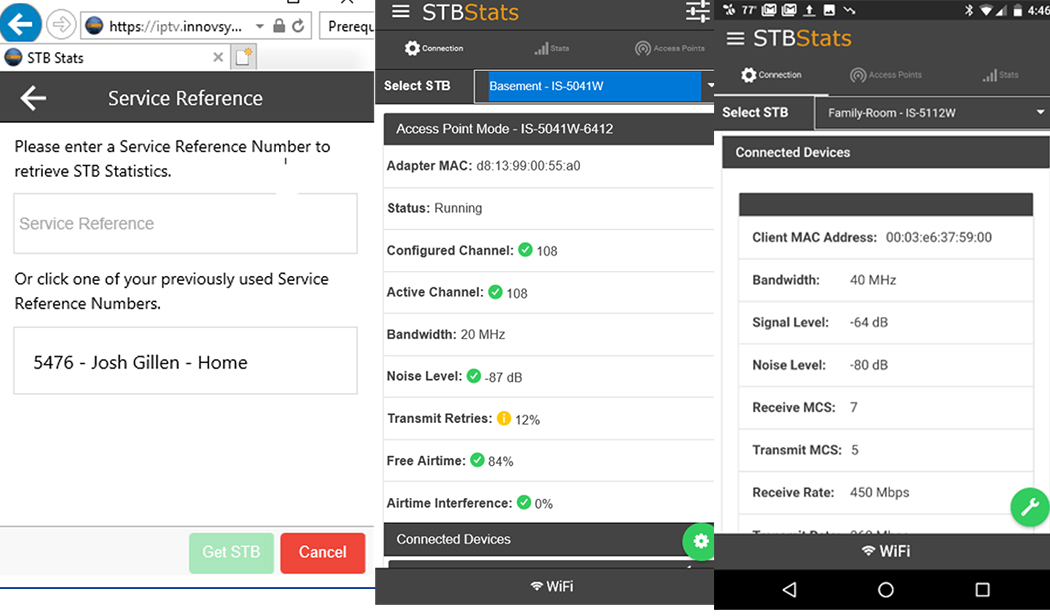
– STB Stats App – This tool is designed to support Wi-Fi installation effectively. It offers features such as signal strength configuration and supports both installations and troubleshooting. Additionally, it integrates with the back-office user interface and provides a reboot feature, saving time and resources. Many MG-TV techs have expressed their appreciation for this tool. It also enables remote diagnosis of OTT device codes in the field.
– cDVR Time to Live – This feature will automatically delete recordings a set number of days after they have been recorded in order to help control InnoStream disk utilization. Operators are able to assign a maximum number of days to a subscriber for their recordings to be stored on the cDVR server. When a recording exceeds that time, it will be deleted.
Forgotten Customer-Facing Features
– Adjustable Program Guide – This feature is available for consumers using the IS-5045W Set Top Box, whether in streaming or traditional modes. Customers can customize the guide to enlarge the linear program listings, which is especially beneficial for those who have difficulty reading smaller fonts. This feature can be managed by the customer without the need for a service call.
– What’s Hot and For You – A quick way to find something to watch based on local interests. This feature appears as “For You” when users access the MG-TV service on their personal devices.
– 72 Hour Lookback – While available for quite some time, providers have been reluctant to offer this powerful time-shifted feature that can go back to programs that aired up to 3 days prior. There are concerns that storage issues may arise; however, to alleviate the load on your system, you can configure the lookback period from 72 hours to a shorter duration, such as 24 hours or even less if desired. This adjustment would require fewer resources while still providing customers with the opportunity to catch programs that air beyond the typical restart feature time limit. Implementing a lookback period of 12 or 24 hours would still be appealing to customers.
After seeing this presentation, a technician stated the impact of implementing the 72-hour lookback feature.
“After turning on 72 hour lookback, our free space only went from 41.9% to 51.9% after 72 hours went by and everything caught up with recording. Plenty of space left, and the feature works great.”
Scott Beukelman – Network Engineer, Santel Communications SD